Snapchat’s bidding strategies can make your head spin faster than a teenager’s attention span. One day your CPA is rock-bottom, the next it’s sky-high because you picked the wrong auction settings. Many advertisers burn through budgets like wildfire, not knowing when to use Auto-Bid, Max Bid, or Target Cost.
That’s exactly why we tested over 50 campaigns across different bidding strategies to figure out what actually works. We tracked CPM, conversion rates, and budget delivery to separate the winners from the wallet-drainers.
Ready to stop guessing and start controlling your Snapchat ad costs like a pro?
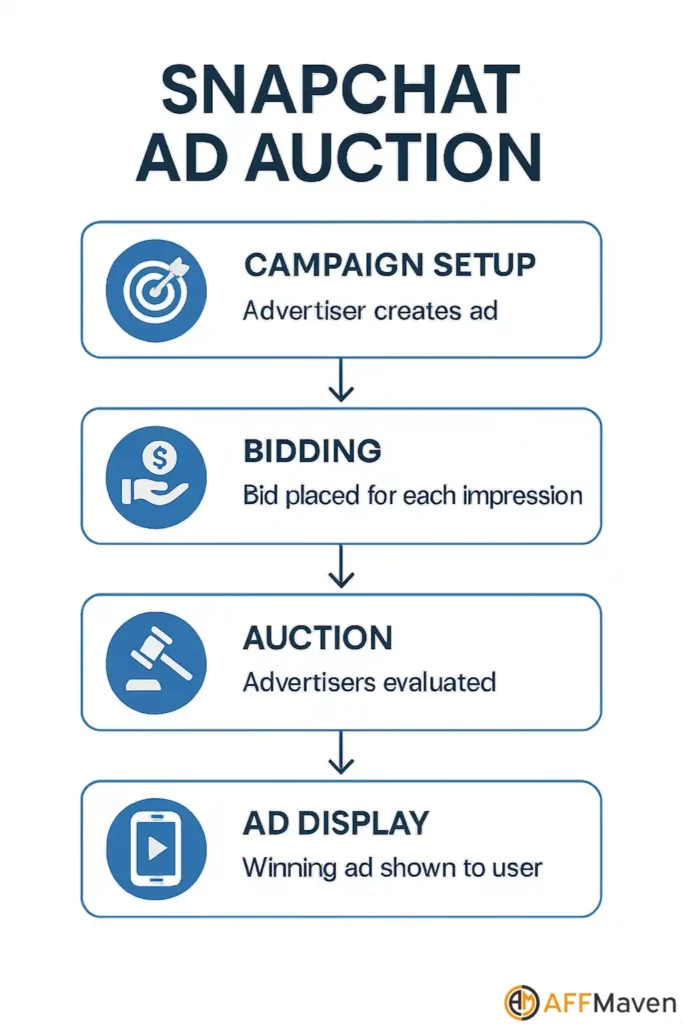
Snapchat Auction: How It Works

Before you pick a bidding strategy, you need to understand how Snapchat’s ad auction works. Unlike old-school fixed-rate ad buys, Snapchat uses a real-time auction system. Here’s what goes down:

Winning isn’t just about bidding the most. Ad quality and relevance can tip the scales in your favour, so always keep your creative sharp and audience targeting on point.

Exclusive Snapchat For Business Coupon: Up to $375 off
exclusive
Spend $350 on Snapchat Ads and get an extra $375 ad credit for free.
$375 off
The Three Core Snapchat Bidding Strategies
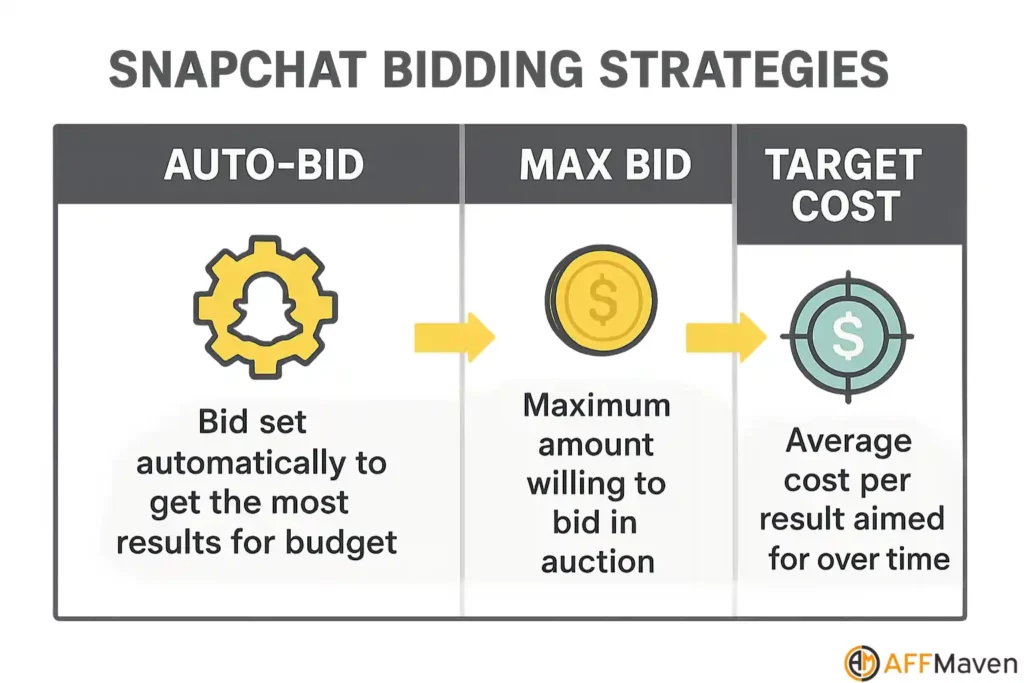
Snapchat offers three main bidding strategies in Ads Manager:
| Bidding Strategy | What It Does | Best For | Key Limitation |
|---|---|---|---|
| Auto-Bid | Snapchat sets bids to maximise actions within your daily budget | Spending full budget, scaling fast | No strict CPA control |
| Max Bid | You set the max price per impression (CPM) | Strict cost control, budget-conscious campaigns | Can limit delivery if bid is too low |
| Target Cost | You set a target CPA, Snapchat tries to keep average CPA at or below this | Performance campaigns, predictable CPA | May spend more to hit CPA, less control over CPM |
Auto-Bid: Let the Algorithm Work
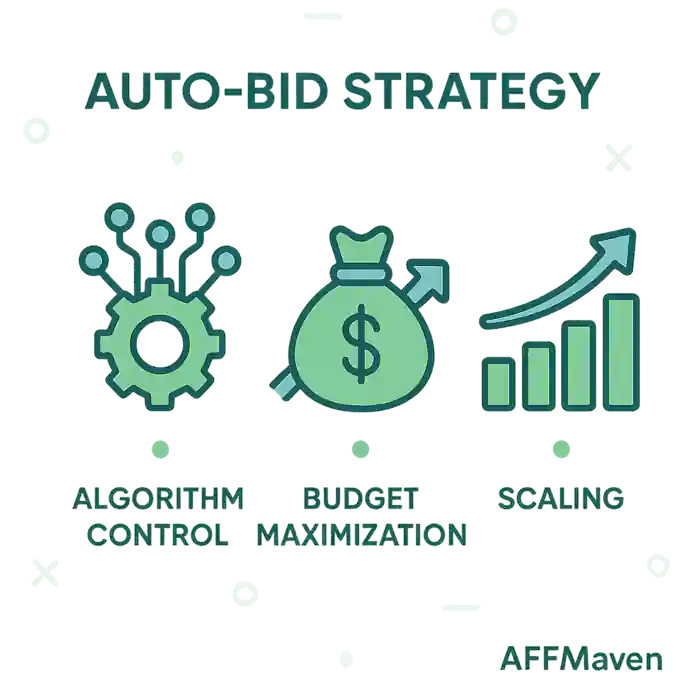
How It Works:
Auto-Bid hands over control to Snapchat’s algorithm. You set your daily budget and campaign objective (like swipe-ups, installs, or purchases), and Snapchat does the rest. The system bids dynamically to get you as many actions as possible for your budget.
When to Use Auto-Bid:
- Maximises delivery—Snapchat will spend your budget.
- No manual bid tweaking needed.
- Great for broad targeting and new campaigns.
- No CPA guarantee—cost per action can fluctuate.
- Potential for higher costs if competition spikes.
Auto-Bid is the “set it and forget it” option. But don’t get lazy—keep an eye on your CPA and ROAS. If you see costs creeping up, consider switching to Max Bid or Target Cost for more control.
Max Bid: You Set the Ceiling
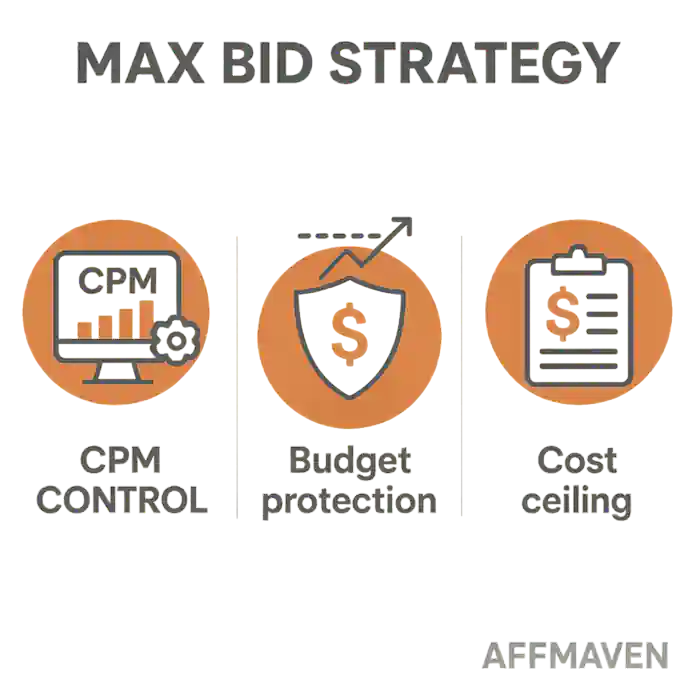
How It Works: With Max Bid, you tell Snapchat the highest amount you’re willing to pay per impression (CPM). The algorithm won’t bid above this, so you keep tighter control over your costs.
When to Use Max Bid:
- Absolute control over the max you’ll pay per impression.
- Helps protect margins for affiliate offers or e-commerce.
- Useful for A/B testing different ads or audiences.
- Risk of limited delivery—if your max bid is too low, your ads might not win auctions.
- Lower scale compared to Auto-Bid or Target Cost.
Start with Snapchat’s suggested bid range, but don’t be afraid to go higher if you’re not getting enough impressions. If you’re not spending your daily budget, your max bid is probably too low.
Target Cost: Predictable CPA, Powered by AI
How It Works: Target Cost (tCPA) lets you set a target cost per action (like a purchase or app install). Snapchat’s AI will do its best to keep your average CPA at or below this number, adjusting bids in real time.
When to Use Target Cost:
- AI-powered optimisation—Snapchat’s machine learning adjusts bids to hit your CPA goal.
- More predictable costs for affiliate marketers and brands.
- Great for scaling—Snapchat’s data shows a 21% decrease in cost per purchase and a 33% increase in ROAS for advertisers using Target Cost bidding.
- No absolute guarantee—actual CPA may fluctuate, especially during the learning phase.
- May spend more per impression to hit your CPA, especially in competitive auctions.
Target Cost is the sweet spot for most performance campaigns. But don’t set your tCPA unrealistically low—Snapchat needs some wiggle room to optimise. If your CPA goal is too tight, your ads might under-deliver.
Snapchat Bidding Strategies: Head-to-Head Comparison
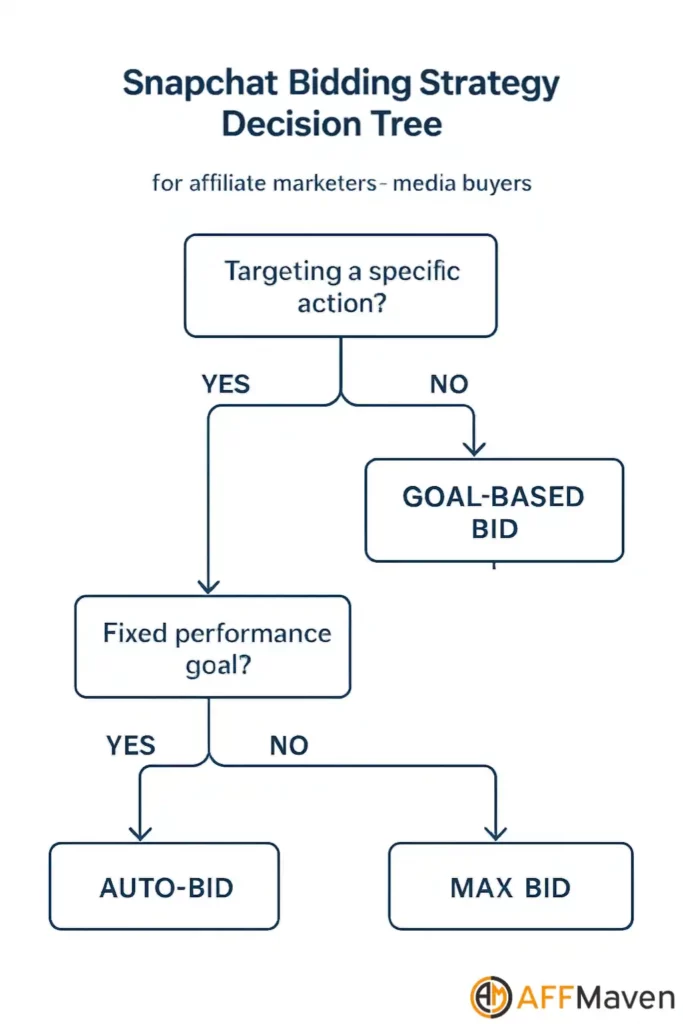
Here’s a quick comparison to help you decide:
| Feature | Auto-Bid | Max Bid | Target Cost |
|---|---|---|---|
| Control over spend | Low | High | Medium |
| Control over CPA | Low | Low | High |
| Ease of setup | Very easy | Moderate | Moderate |
| Delivery scale | Highest | Lowest (if bid low) | High |
| Best for | Awareness, scale | Strict budgets | Performance, scale |
| Risk | High CPA swings | Under-delivery | Learning curve |
Key Stats & Facts
Choosing the Right Bidding Option for Your Goals
Ask yourself:
Pro Moves:
Advanced Snapchat Bidding Tips for 2025

Final Thoughts: What’s the Best Snapchat Bidding Strategy?
There’s no one-size-fits-all answer. Here’s the real talk:
- Auto-Bid is best for volume and simplicity.
- Max Bid is for tight budgets and cautious scaling.
- Target Cost is the king for performance marketers who want scale and predictable CPA.
Most top affiliates and brands start with Auto-Bid or Target Cost, then tweak as data rolls in. Don’t be afraid to experiment—Snapchat’s auction is dynamic, and what works today might need a tweak tomorrow.
Ready to smash your next Snap campaign? Pick your strategy, set your goals, and keep a close eye on your numbers. If you’re running affiliate, SaaS, or e-commerce offers, mastering Snapchat bidding will put you ahead of the pack
🚀 Get Exclusive Affiliate Marketing Secrets🚀
Discover the strategies, tools, and tactics used by the top 1% of affiliate earners!

Join 69,572+ Affiliates already leveling up their game
Affiliate Disclosure: This post may contain some affiliate links, which means we may receive a commission if you purchase something that we recommend at no additional cost for you (none whatsoever!)