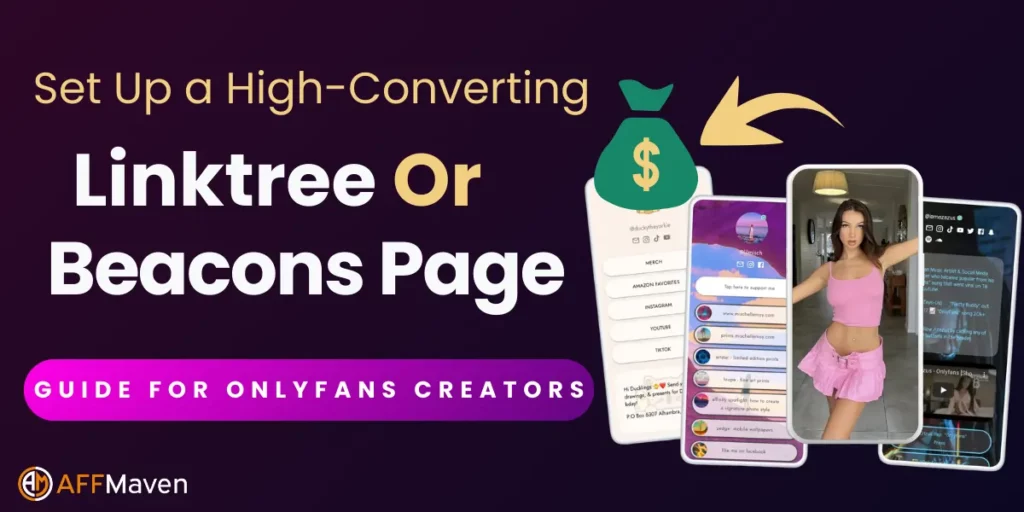
If you’re promoting OnlyFans or any adult content on social media, you’ve probably hit the same wall every creator faces: one bio link limitation. Instagram, TikTok, and Twitter only give you one clickable link in your bio, but you’ve got multiple places you want to send traffic.
That’s where link in bio tools like Linktree and Beacons become absolute game-changers.
This comprehensive tutorial will show you exactly how to set up high-converting link pages that funnel traffic from social media to your OnlyFans and other revenue streams.
We’ll cover everything from basic setup to advanced conversion tactics that top creators use to maximise their earnings.
🔗📲 What Are Link in Bio Tools and Why Do You Need Them?

Link in bio tools are landing page builders that create a single URL containing multiple clickable buttons. Instead of constantly changing your bio link, you direct followers to one page that houses all your important links.
Linktree vs Beacons: Which Platform Should You Choose🤔?
Both platforms offer excellent features, but they serve slightly different purposes:
Linktree Advantages
Beacons Advantages
For beginners, Linktree is usually the better choice due to its simplicity and reliability. Once you’re comfortable, you can always switch to Beacons for more advanced features.
🚀 Step-by-Step: Setting Up Your Linktree Page
Head to linktr.ee and click “Sign up for free“. Choose a username that matches your brand – ideally the same as your main social media handle. This creates your custom URL: linktr.ee/yourusername.
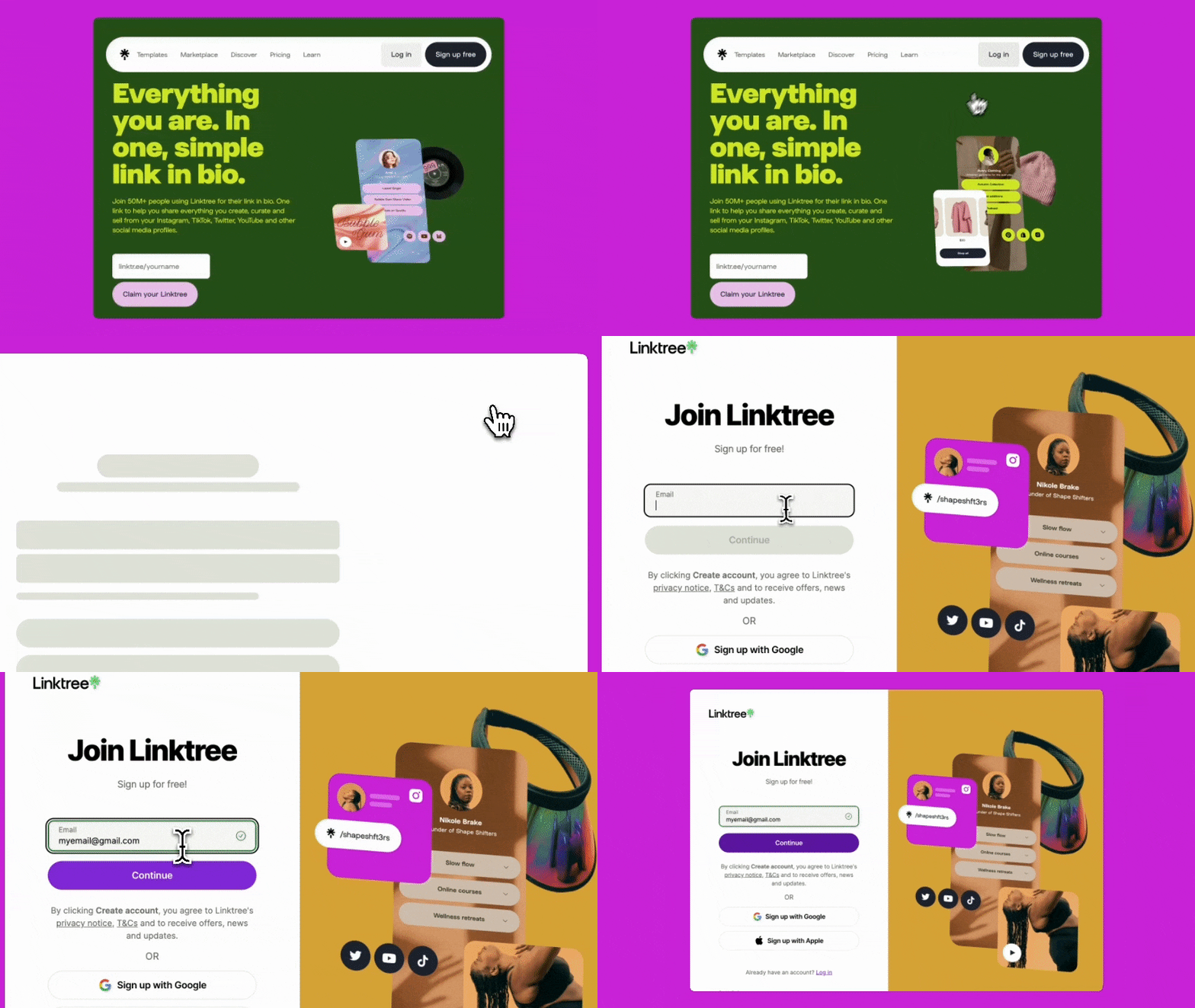
Pro tip: If your exact username isn’t available, add “official” or your niche (e.g., linktr.ee/yourname-of).
Upload a high-quality profile photo – use the same image as your social media profiles for consistency. This helps followers immediately recognise they’re in the right place.
Write a compelling bio that tells visitors what they’ll find. For OnlyFans creators, try something like: “Exclusive content & behind-the-scenes access ✨ New posts daily 📸”
Click “Add new link” and start with your most important destinations:
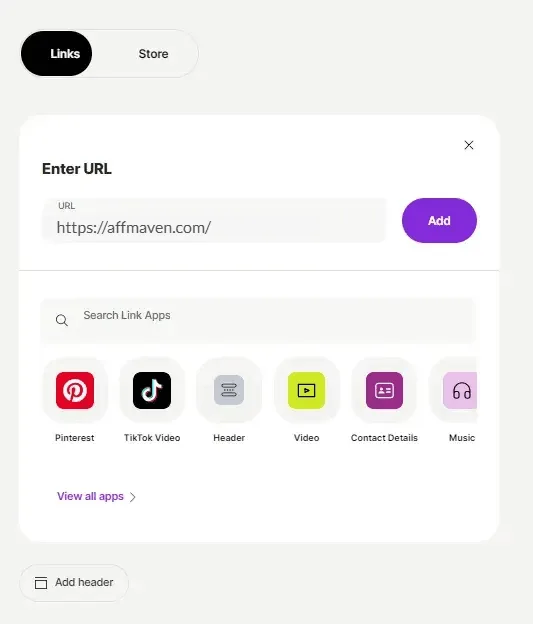
- OnlyFans link (primary revenue source)
- Instagram (for social proof)
- Twitter/X (for engagement)
- Backup platforms (Fansly, LoyalFans, etc.)
Instead of generic titles like “OnlyFans” or “Click here,” use conversion-focused copy:
Select a theme that matches your brand aesthetic. Consistency is key – if your social media uses pink and black, mirror that on your Linktree.
🚀 Step-by-Step: Setting Up Your Beacons Page
Sign Up Process
Visit beacons.ai and click “Sign up“. You can log in using your Instagram, Twitter, or YouTube account, which automatically imports some of your profile information.
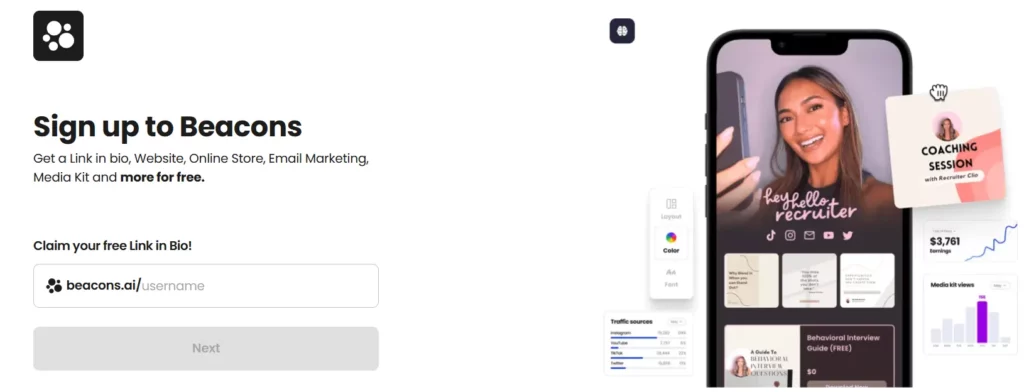
Personalise Your Page
Beacons offers more visual customisation from the start. Choose from high-resolution background images or upload your own. The live preview updates instantly, so you can see changes in real-time.
Add Your Links
Click “Add new link” and input your URLs. Beacons allows you to add icons and descriptions for each link, making them more visually appealing and informative.
Set Up Social Handles
In the social media section, add your handles for all platforms. This increases click-through rates because people recognise the familiar social media icons.
Activate Email Capture
One of Beacons’ standout features is built-in email list building. Set up a simple opt-in form to capture visitor emails – this creates an additional revenue stream through email marketing.
📈 Advanced Conversion Optimisation Strategies
Link Order Matters
Place your highest-converting links at the top. For most OnlyFans creators, this hierarchy works best:
Use Urgency and Scarcity
Create time-sensitive offers to encourage immediate action:
👥 Add Social Proof
Include subscriber counts or testimonials in your link descriptions:

“Join 10,000+ subscribers”

“⭐⭐⭐⭐⭐ Rated #1 by fans”
“Featured creator of the month”
📊 Implement A/B Testing
Test different link titles, orders, and call-to-actions to see what performs best. Change one element at a time to accurately measure impact.
🔗 OnlyFans-Specific Link in Bio Strategies
Compliance with Platform Guidelines
Social media platforms have strict rules about adult content. Never directly mention explicit content in your bio or link titles. Instead, use subtle hints:
- “Exclusive content for subscribers”
- “Behind the scenes access”
- “Premium content available”
- “See more of me”

Cross-Platform Promotion
Use your link page to connect all your platforms:
Building Your Funnel
Create a strategic customer journey:
🎯 Maximising Your OnlyFans Growth with Automation
While your link in bio page handles the conversion process, you need consistent traffic to make it profitable. This is where ofautofollower becomes invaluable for OnlyFans creators.
What is OFAutoFollower?
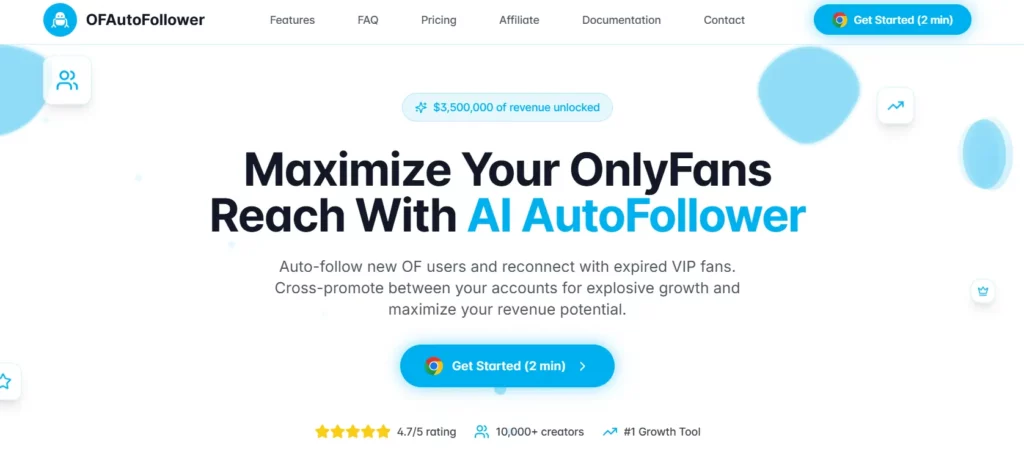
OFAutoFollower is an automation tool that helps OnlyFans creators grow their following by connecting with new users who’ve just signed up to the platform. The tool offers several key features:
🚀 How OFAutoFollower Boosts Your Link Page Traffic
The tool works by following people who signed up to OnlyFans just hours ago. When you follow these new users:
This creates a consistent flow of new visitors to your social media profiles, who then discover your link in bio page and convert to paying subscribers.

Get 50% OFF OFautofollower
Get 50% OFF on all Ofautofollower plans and renewals. Boost followers, automate growth, and save money with this powerful Instagram tool!
✨ Setting Up OFAutoFollower
Getting started with OFAutoFollower is straightforward:
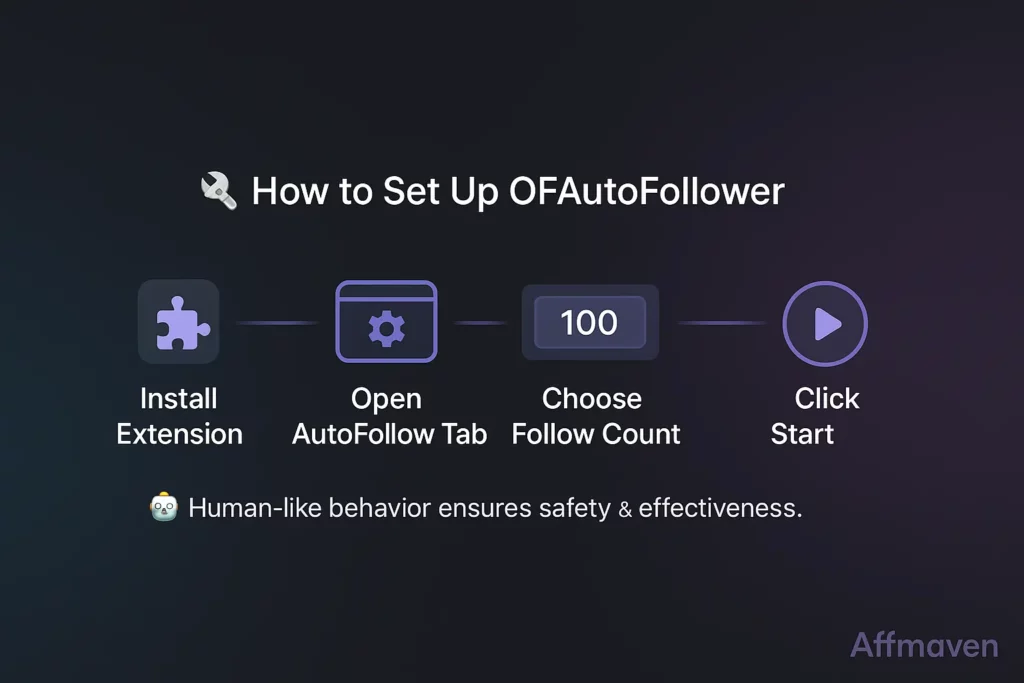
- Install the browser extension from ofautofollower.com
- Access the AutoFollow Bot tab
- Select how many people you want to follow
- Click “START FOLLOWING”
- Wait 2-10 minutes for the process to complete
The tool uses human-like behaviour patterns to keep your account safe while maximising growth potential.
📈 Tracking Performance and Analytics
Built-in Analytics
Both Linktree and Beacons provide detailed analytics on their paid plans:
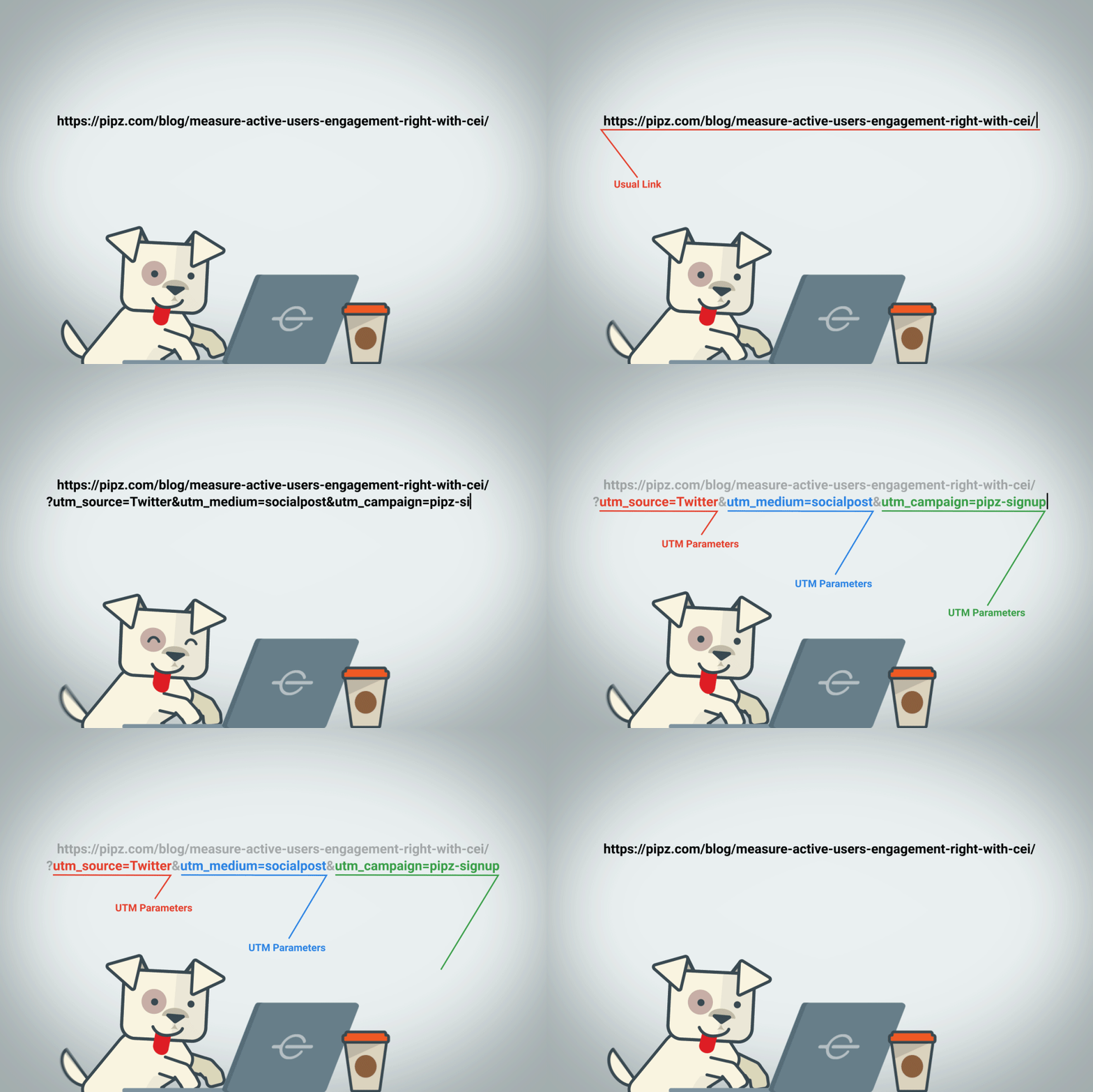
🔗 Advanced Tracking with UTM Parameters
For deeper insights, add UTM tracking codes to your links:
?utm_source=linktree&utm_medium=bio&utm_campaign=onlyfans- Track conversions in Google Analytics
- See which social platforms drive the most revenue
📈 Key Metrics to Monitor
Focus on these conversion metrics:
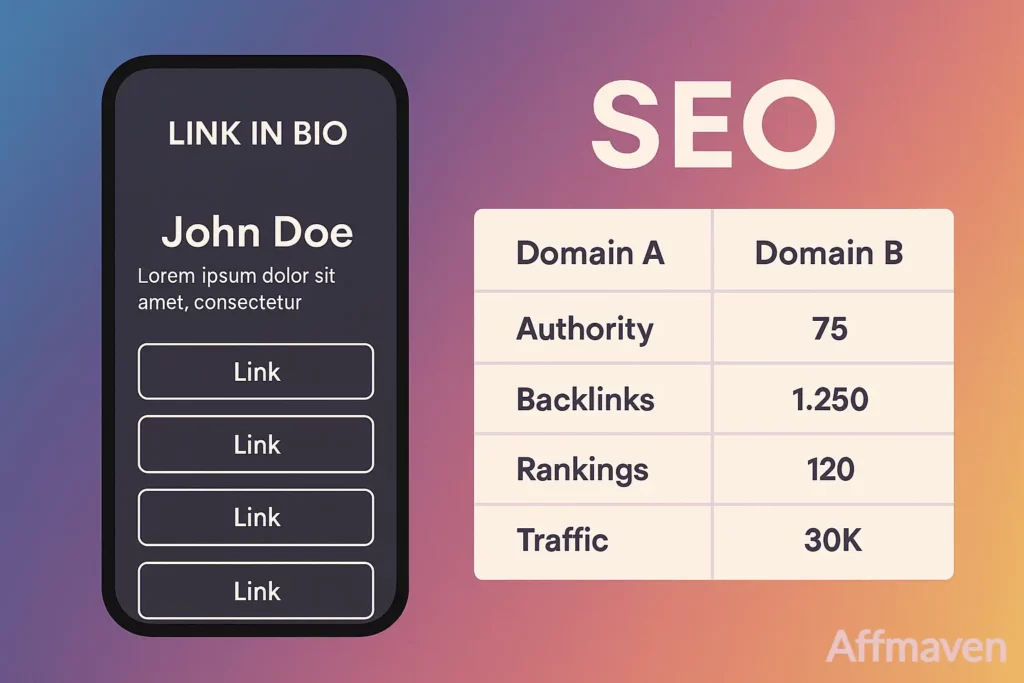
📝 SEO Optimisation for Link in Bio Pages
Keyword-Rich Titles
Use relevant keywords in your link titles that your audience searches for:
Custom Domain Benefits
Upgrade to a custom domain for better branding and SEO:
🧩⚙️ Advanced Features and Integrations
Email Marketing Integration
Connect your link page to email marketing platforms:
Payment Integration
Some platforms allow direct payment buttons:

🔍 Conclusion: Your Path to Higher Conversions
Setting up a high-converting link in bio page isn’t just about the technical setup – it’s about understanding your audience and creating a seamless journey from social media discovery to paid subscription.
Remember these key principles:
Whether you choose Linktree or Beacons, the most important factor is consistent optimisation. Start with the basics, track your results, and continuously improve based on what your analytics tell you.
For OnlyFans creators looking to maximise their growth, combining a well-optimised link page with automation tools like OFAutoFollower can dramatically increase your subscriber base and revenue potential.
🚀 Get Exclusive Affiliate Marketing Secrets🚀
Discover the strategies, tools, and tactics used by the top 1% of affiliate earners!

Join 69,572+ Affiliates already leveling up their game
Affiliate Disclosure: This post may contain some affiliate links, which means we may receive a commission if you purchase something that we recommend at no additional cost for you (none whatsoever!)